
Lightspeed export workflow
Bar inventory with Lightspeed
14-day Pro trial. No card. Starter $69, Pro $99, Scale $129 USD.
Direct answer
Last updated
Bar inventory with Lightspeed means you still count the well in ExactPour. ExactPour does not ship a Lightspeed connector. Lightspeed Restaurant documents CSV exports from Back Office reports (K-Series) and from Restaurant Manager reports or Export data (L-Series). Use that export for sold units on the same dates as the ExactPour count. Prices are Free, $69, $99, and $129 USD.
Key facts
- ExactPour does not ship a Lightspeed connector. There is no Lightspeed table or edge function in the product.
- Lightspeed Restaurant K-Series: Back Office, Reports, All reports, Business Reports, Export CSV.
- Lightspeed Restaurant L-Series: Restaurant Manager reports can Export as CSV, and Export data can download receipts and receipt items.
- ExactPour prices in USD are Free, then Starter $69, Pro $99, and Scale $129 a month. POS sync is on Starter and up, plus the 14-day Pro trial. Confirm on /pricing.
Lightspeed Restaurant versus ExactPour today
| Job | Lightspeed Restaurant | ExactPour today |
|---|---|---|
| Tickets | Lightspeed Restaurant POS is the system of record for what rang. | ExactPour does not ship a Lightspeed connector, so tickets stay in Lightspeed Restaurant until you export. |
| Open bottle fills | Lightspeed Restaurant item inventory is not an ExactPour well fill. | Barcode plus fill level in ExactPour, with or without a POS connector. |
| Sold units for the count window | Export CSV from K-Series Business Reports or L-Series reports / Export data. | Compare item quantities to ExactPour usage on the same dates. No CSV sales import exists in ExactPour today. |
| Invoices and cost | Lightspeed Restaurant purchasing tools. Confirm in Lightspeed Restaurant. | ExactPour invoice capture still updates bottle cost from the ticket you scan. |
| Price | Set by Lightspeed Restaurant. Confirm with Lightspeed Restaurant. This page does not invent Lightspeed Restaurant prices. | Free, Starter $69, Pro $99, Scale $129 USD. |
Where Lightspeed sits among ExactPour POS pages
| POS | Connector in ExactPour | How sold units reach the count |
|---|---|---|
| Toast | Live Toast connector on Starter ($69) and up | Toast menus and orders after you authorize the location |
| Square | Live Square connector on Starter ($69) and up | Square menus and orders after you authorize the location |
| Clover | Live Clover connector on Starter ($69) and up | Clover menus and orders after you authorize the location |
| Lightspeed (this page) | ExactPour does not ship a Lightspeed connector | Lightspeed CSV or Excel export compared to ExactPour usage by hand |
| SpotOn | ExactPour does not ship a SpotOn connector | SpotOn CSV or Excel export compared to ExactPour usage by hand |
What Lightspeed actually holds
Lightspeed Restaurant is a POS with reporting. ExactPour does not ship a Lightspeed connector, so this page only repeats what Lightspeed publishes about exports.
K-Series (North America help): log in to Back Office, open Reports, All reports, Business Reports. Set the period, then Export CSV (Mac or PC). Lightspeed Restaurant also offers Print report as PDF. Items offered free of charge are excluded from some sales views, per that article.
L-Series help: Restaurant Manager, Reports, Summary Reports can Export as PDF or Export as CSV. The Export data page can download CSV categories including receipts, receipt items, payments, modifiers, products, and categories for a date range and location.
Those exports are Lightspeed Restaurant's. ExactPour does not claim they are recipe-aware depletion. A receipt-item CSV is the honest sold-unit list to compare against an ExactPour count.
How to use a Lightspeed export with ExactPour
Close an ExactPour count for the location. Write the start and cutoff. Do not mix a Saturday Lightspeed Restaurant shift with a Monday ExactPour session.
In Lightspeed Restaurant, export the matching period. K-Series: Back Office, Reports, All reports, Business Reports, Export CSV. L-Series: Summary report Export as CSV, or Export data for receipt items if you need line-level sold units. Confirm the clicks on Lightspeed Restaurant's current help article for your series.
ExactPour does not import that CSV. Open it next to the ExactPour session. Match items to recipes the same way you would map a Toast menu: well vodka soda depletes well vodka. Unmapped Lightspeed Restaurant items will look like missing product if you ignore them.
Keep doing this weekly. If you later move the room to Toast, Square, Clover, or GoTab, connect that POS and retire the export ritual. Until then, ExactPour does not ship a Lightspeed connector.
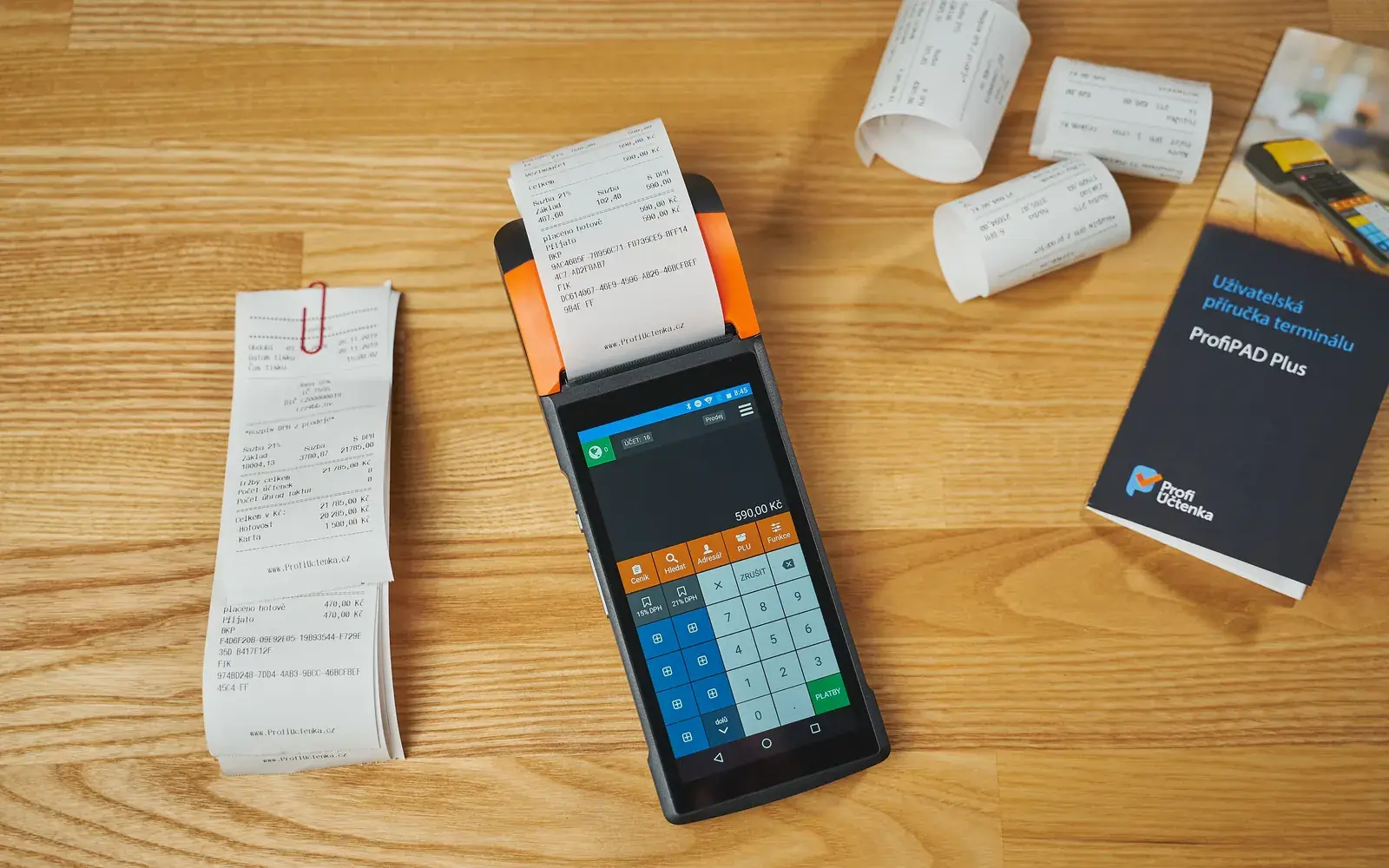
A weekly inventory loop with Lightspeed
Pick a night the room can repeat. Many bars use early Monday. Write the cutoff in ExactPour before anyone restocks the well. Then walk one route. The Lightspeed side of the week is only useful if the physical count covers the same hours the tickets cover.
ExactPour does not ship a Lightspeed connector, so nothing arrives on a schedule. After you close the ExactPour session, export Lightspeed item sales for those dates. Sit the two lists next to each other. That is slower than Toast. It is still a real week.
Do not mix locations. If the group also rings Toast in another room, that room has its own ExactPour location and its own connector. A Lightspeed sales total pasted onto a Toast well will make both rooms look dishonest. See POS integrations for the live four (Toast, Square, Clover, GoTab).
City liquor rules are not a Lightspeed setting. License-state rooms photograph wholesaler invoices. Pennsylvania control-state rooms photograph PLCB and beer-distributor paper. The POS still only knows what rang. Use [city pages](/cities) for the buying story, and this page for the Lightspeed story.
| Step | What you do in ExactPour | What Lightspeed contributes |
|---|---|---|
| 1. Freeze the window | Open a count session. Write the start and cutoff before anyone restocks. | Note the same dates you will use on the Lightspeed export. |
| 2. Count the well | Scan barcodes. Tap fill levels. Walk rail, back bar, then cage as separate jobs if they are separate shelves. | Lightspeed does not see open bottles. A Lightspeed item stock number is not a photographed fill. |
| 3. Receive invoices | Photograph distributor tickets that landed in the window so cost is the ticket cost. | Lightspeed is not your wholesaler. Do not treat a Lightspeed sales total as a receiving log. |
| 4. Attach sold units | Export Lightspeed item sales for the same dates. ExactPour does not import that file. | A Lightspeed Product Mix or receipt-item export is the honest sold list. Gross sales is not. |
| 5. Coach the list | Read variance in dollars. Fix recipes and comps before you rewrite par. | If Lightspeed rang a well drink under a different name, map it. The POS will not guess the bottle. |
Recipe mapping so Lightspeed tickets deplete the right bottle
Poured versus sold is a recipe problem, not a Lightspeed report setting. A house vodka soda that rings as one Lightspeed item has to name the spirit in ExactPour. Soda is not liquor inventory. If the recipe is blank, ExactPour cannot deplete the bottle from that ticket, and the next count will look like theft.
Map the drinks that actually sell. Well vodka, well whiskey, well tequila, house gin and tonic, and the two signatures the room cannot stop ringing. Rare bottles can wait. A Lightspeed menu with 200 items is not a reason to skip the well map. It is a reason to start with the rail.
When you compare a Lightspeed export by hand, use the same recipe list you would map on Toast. A house margarita line depletes tequila (and orange liqueur if you inventory it). Do not subtract a dollar total from a bottle. Subtract ounces implied by the recipe from ounces counted.
Modifiers matter. A Lightspeed ticket that adds an extra shot, a double, or a different spirit is a different depletion. If those modifiers are ignored, the well looks generous on paper and empty on the rail. ExactPour can only deplete what you mapped. Lightspeed can only report what rang.
See poured versus sold for the formula and how to reduce liquor shrinkage for the coaching order: recipes, comps, waste, then theft. Lightspeed does not change that order.

Invoices still sit beside Lightspeed
Lightspeed does not replace receiving. A case that lands during the count window has to be received in ExactPour or the session is wrong. Photograph the distributor ticket (or the PLCB ticket in Pennsylvania). ExactPour extracts lines so bottle cost is the paper cost, not a memory.
A Lightspeed sales mix cannot tell you that well vodka went up $4 a bottle last Tuesday. The invoice can. Keep both. Bar invoice management is the capture path. Lightspeed remains the ticket path. ExactPour is the count path.
ExactPour prices in USD are Free, then Starter $69, Pro $99, and Scale $129 a month. POS sync is on Starter and up, plus the 14-day Pro trial. Confirm on /pricing. Invoice capture and counting exist without POS sync. Poured versus sold is the part that needs a Lightspeed export plus your own recipe math. Do not skip invoices while you wait on a menu map.
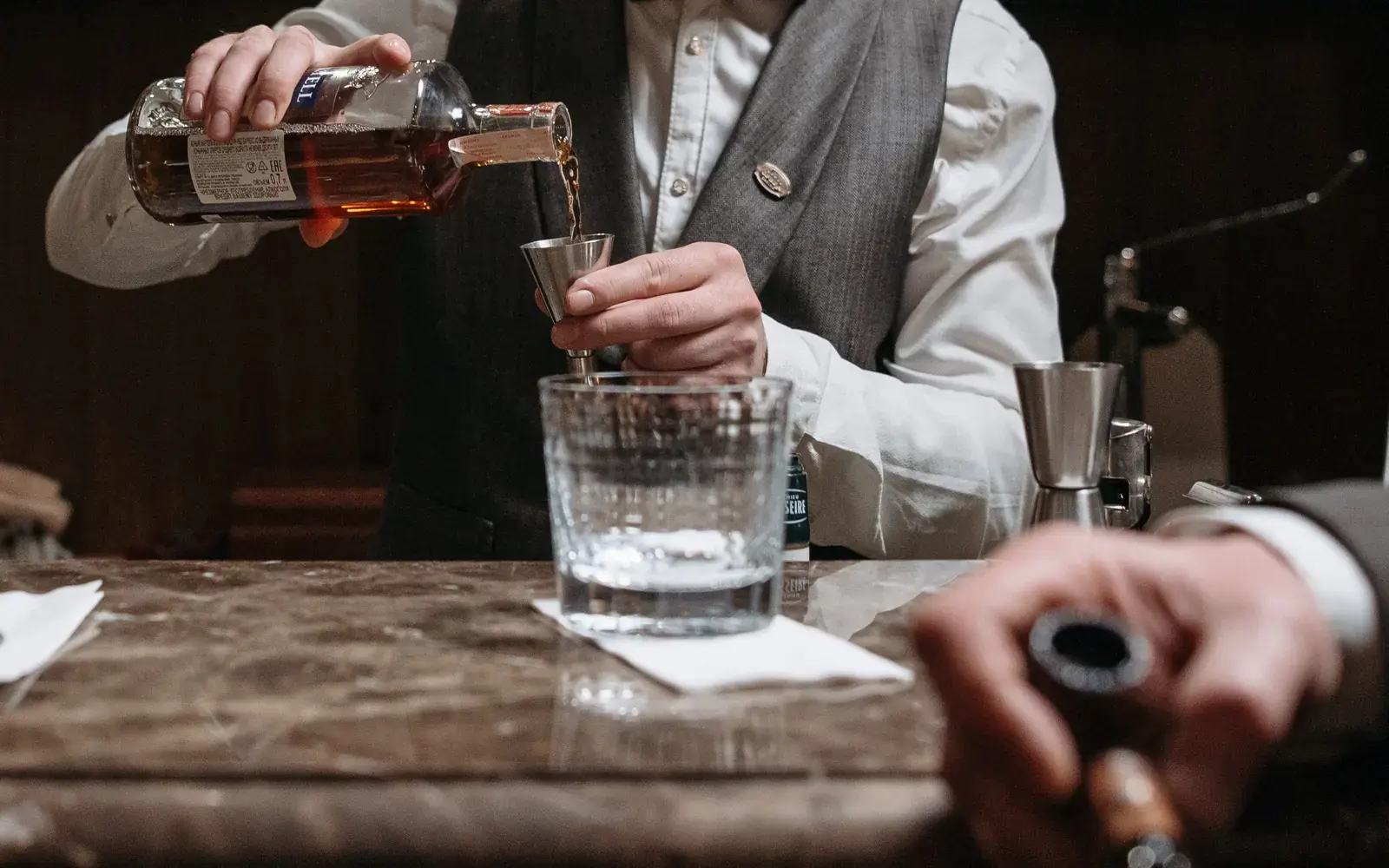
What ExactPour still counts after Lightspeed
ExactPour still counts the well while ExactPour does not ship a Lightspeed connector. Scan barcodes. Tap fills. Receive distributor invoices. Close the session. You will have usage. You will not have automatic Toast-style projected usage from Lightspeed tickets.
POS sync on Starter ($69) is for Toast, Square, Clover, and GoTab. A Lightspeed Restaurant room does not unlock a hidden API by upgrading. ExactPour does not ship a Lightspeed connector. Confirm live connectors on /pos-integrations.
Use the liquor inventory template or your own sheet to line up ExactPour usage with Lightspeed Restaurant receipt items for the same cutoff. That is poured versus sold done in public, not a fake integration.
ExactPour prices in USD are Free, then Starter $69, Pro $99, and Scale $129 a month. POS sync is on Starter and up, plus the 14-day Pro trial. Confirm on /pricing.

Limits, mistakes, and what Lightspeed will not do
Lightspeed will not count the well for you. Item stock in a POS is a catalog unit, not a fill level on an open bottle. ExactPour is the fill. If someone promised a camera inside Lightspeed that retires the rail walk, that is not what ExactPour ships and it is not what this page claims.
ExactPour does not ship a Lightspeed connector, so it also cannot rewrite the Lightspeed menu, take payments, or subscribe to Lightspeed webhooks. Count in ExactPour. Export from Lightspeed. Compare. That is the whole honest path until a connector exists.
Unmapped house pours are the usual failure. A Lightspeed item named "Well" or "Rail" or "Vodka Soda" with no recipe will show as sold product that never left a bottle. Map it. Then recount. Then coach. Do not start with a theft meeting.
Comps, spills, and staff drinks need a code in ExactPour. Lightspeed may already void or comp tickets. If those voids never become waste codes, the well still dropped and the sales side looks clean. Log the waste. The next Lightspeed comparison will make sense.
For the physical walk, see bar stocktaking and bar inventory software. For a sheet you can print this afternoon, see the liquor inventory template. Those pages do not depend on Lightspeed. This page does.
More than one room on Lightspeed
Give each address its own ExactPour location. A second Lightspeed merchant, restaurant GUID, Square location, or Clover merchant is a second connect (or a second export ritual). Rollups compare reconciled dollars. They do not merge two wells into one clipboard.
If you can move this room onto Toast, Square, Clover, or GoTab, the live connector is less work than a weekly Lightspeed export. If you cannot move, stay on the export. ExactPour does not ship a Lightspeed connector either way, and upgrading to Pro ($99) or Scale ($129) does not add one.
Book a 20-minute walkthrough on /demo or /contact if you want the mapping reviewed. Bring one Lightspeed location, not the whole group. Map the rail. Then copy the habit.
ExactPour does not ship a Lightspeed connector. Count in ExactPour and use a Lightspeed export for sold units until a connector exists.
Do not wait for a connector that is not in the ExactPour codebase. A Lightspeed export plus an ExactPour count is an honest week. A Lightspeed sales total pasted into a cell with no item list is not. See the liquor inventory template if you need a sheet for the comparison, and poured versus sold for the formula.
ExactPour prices in USD are Free, then Starter $69, Pro $99, and Scale $129 a month. POS sync is on Starter and up, plus the 14-day Pro trial. Confirm on /pricing.
Toast, Square, Clover, and GoTab remain the live ExactPour connectors. If you can move this room onto one of those four, read POS integrations. If you are staying on Lightspeed, stay on the export workflow on this page.
Frequently asked
Does ExactPour integrate with Lightspeed?
No. ExactPour does not ship a Lightspeed connector. Count in ExactPour and export sold items from Lightspeed for the same dates. Toast, Square, Clover, and GoTab are the live connectors.
Does Lightspeed replace a physical liquor count?
No. Lightspeed knows what rang. Open well bottles still need a fill. ExactPour is the count. See bar inventory software and bar stocktaking.
What does ExactPour cost?
ExactPour prices in USD are Free, then Starter $69, Pro $99, and Scale $129 a month. POS sync is on Starter and up, plus the 14-day Pro trial. Confirm on /pricing.
Can I use ExactPour if I only have Lightspeed?
Yes. ExactPour still counts barcodes and fills without a Lightspeed connector. Use the Lightspeed export for sold units. Poured versus sold will be a spreadsheet comparison until a connector exists.
Which other POS systems are live?
Toast, Square, Clover, and GoTab are live. ExactPour does not ship a Lightspeed connector. ExactPour does not ship a SpotOn connector. See [bar inventory-with](bar inventory-with) and /pos-integrations.
Will ExactPour add a Lightspeed connector later?
This page only states what ships today. ExactPour does not ship a Lightspeed connector today. Do not treat a roadmap as a feature.
K-Series or L-Series?
Lightspeed publishes different help for K-Series Back Office and L-Series Restaurant Manager. Use the export article that matches the product you log into. ExactPour does not ship a Lightspeed connector for either series.